01 / RECORD
Let the flight unfold.
Pulse One captures onboard measurements while you focus on flying.

ONBOARD FLIGHT RECORDER FOR RC AIRCRAFT
Pulse One records what happens on board. AEROQON Flight Intelligence turns those recordings into moments, measurements, and context you can explore after landing.
Recruiting testers / In development
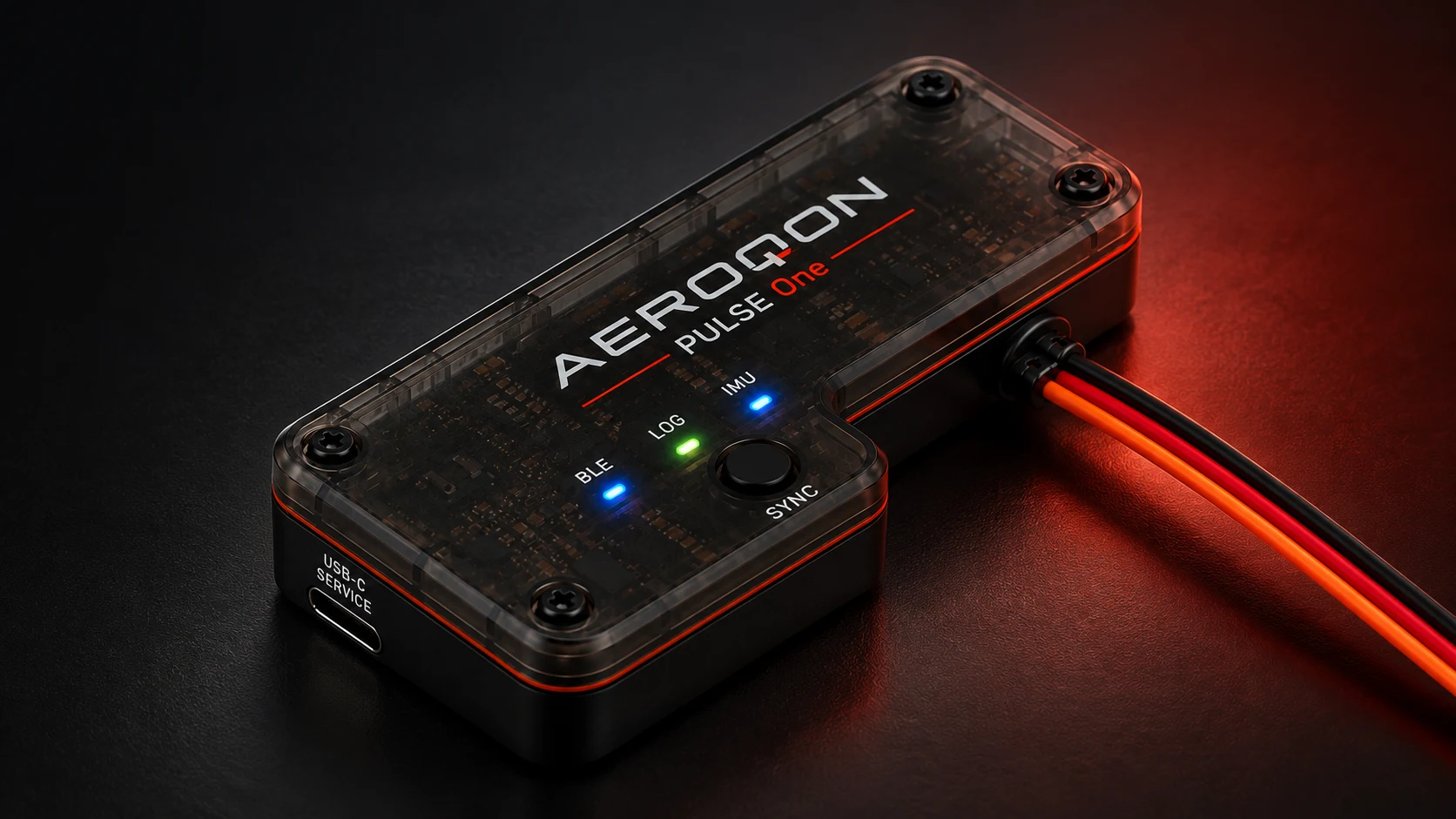
Recorded on board. Reviewed in the app.
Product concept. Final hardware may vary.
AEROQON FLIGHT INTELLIGENCE
Pulse One records onboard measurements. AEROQON Flight Intelligence helps you find changes worth reviewing—then brings their timing, supporting data and your own observations together.
EXPLORE A RECORDED MOMENT
01 / FIND THE MOMENT
In this development recording, Flight Intelligence surfaced a higher-vibration interval lasting 25 seconds. Start with that moment instead of searching the entire recording.
A moment to investigate. Not a diagnosis.
02 / INSPECT THE EVIDENCE
Open the highlighted interval and compare it with the surrounding measurements. See when the change occurred and how long it lasted.
03 / CONNECT YOUR EXPERIENCE
Add what you noticed from the ground and keep it alongside the recording. The measurements give you a starting point for investigation; they do not establish what caused the change.
Keep your observations alongside the measured evidence.

The observation and its recorded interval.
View full captureShare this step
Send this view to a flying buddy.
Genuine excerpts from a development recording. The original controls and measurements are unchanged. This is not a live app or a new analysis of raw flight data.
Help shape a clearer view of your flights.We’re recruiting RC pilots to test Pulse One and the AEROQON app, and share feedback.
Register testing interestWHY ADD PULSE ONE?
Receiver telemetry is valuable for the measurements and alerts your setup supports. Pulse One adds onboard motion and vibration recording, alongside receiver supply and temperature measurements, with Flight Intelligence to help you investigate the flight afterward.
More context for the question “what happened?”A voltage change tells you about the supply. Recorded vibration and motion add evidence about what the aircraft experienced. Reviewing them along the same timeline gives you more to investigate than a voltage reading alone.
| Your question | Receiver data alone | Pulse One + Flight Intelligence |
|---|---|---|
| What was recorded? | The channels your receiver and connected sensors provide. | Onboard motion, vibration, receiver supply, and temperature in a saved recording. |
| Where should I look? | Review the values, alarms, and logs available from your setup. | Start with surfaced events and open their place on the recording timeline. |
| What supports a finding? | Use the measurements and analysis tools your telemetry system provides. | Review event timing, duration, supporting measurements, explanations, and data quality. |
| How does it relate to my flight? | Match telemetry with what you remember from the ground. | Add pilot observations and labels alongside recorded evidence for later review. |
Receiver and telemetry capabilities vary by system and connected sensors. Pulse One complements your existing setup. Flight Intelligence helps you investigate events; it does not establish a fault’s cause or diagnose radio-link loss.
FLIGHT REVIEW GUIDE
Pick something you’d want to understand after landing. See what a Pulse One recording can add to your review.
01 VIBRATION & MOTION
Start with the moment that caught your attention from the ground.
02 RECEIVER POWER
Look at the voltage recorded on board around the moment you’re reviewing.
03 TEMPERATURE
Place the temperature trend on the same timeline as the rest of the recording.
04 FLIGHT MOMENTS
Keep what you saw or heard from the ground alongside the recording.
02 / THE AEROQON APP
Flight Intelligence connects the overview, timeline, and event details. Move from an important change to its recorded evidence, then add your own perspective.

Actual iPhone app screens from development recordings. Tap the phone to enlarge. Screens show separate examples, not one continuous flight.
A REAL DEVELOPMENT RECORDING
ONE CONNECTED EXPERIENCE
One device to record the details.
One app to bring them into focus.
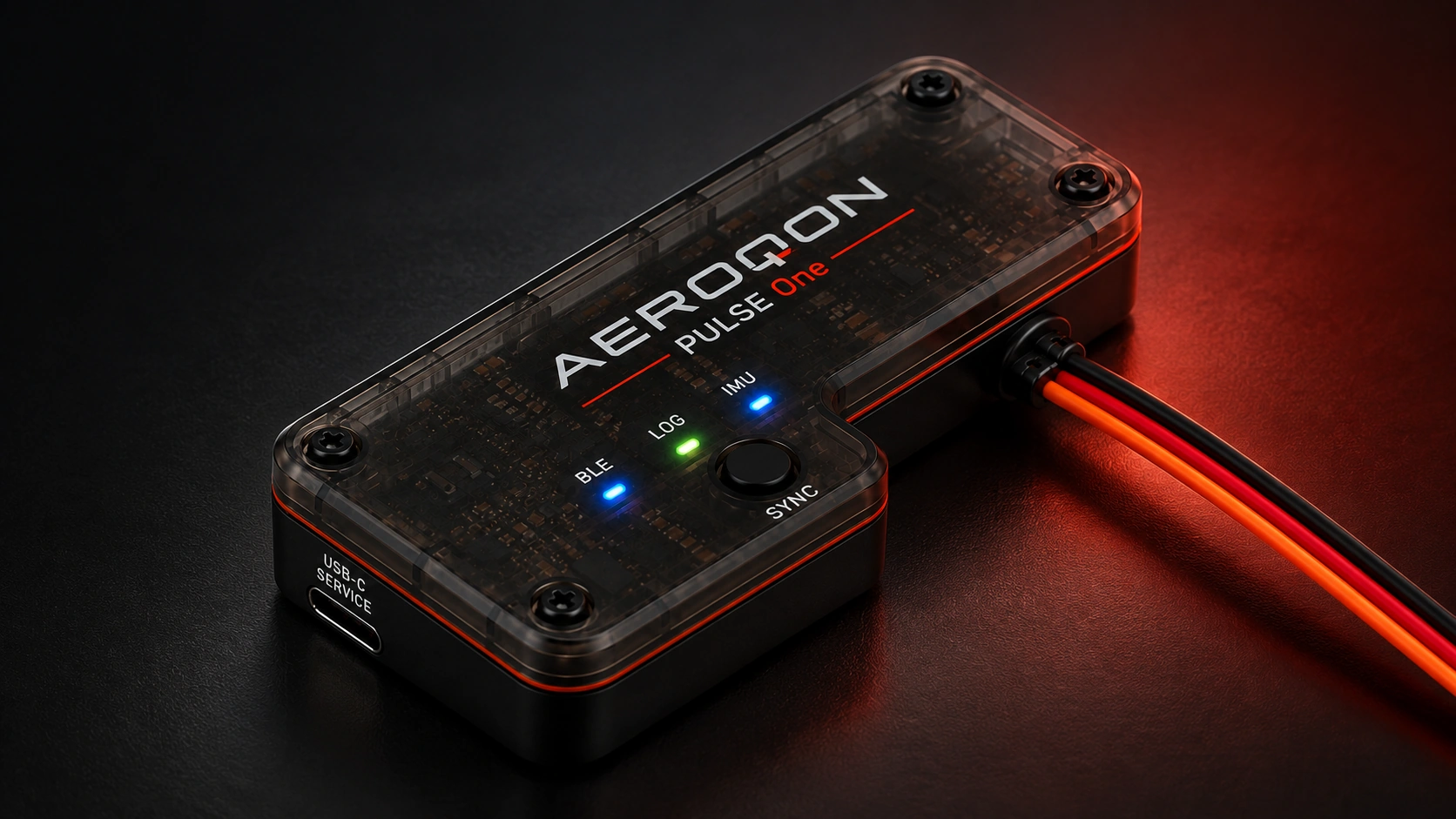
Your onboard flight data recorder.
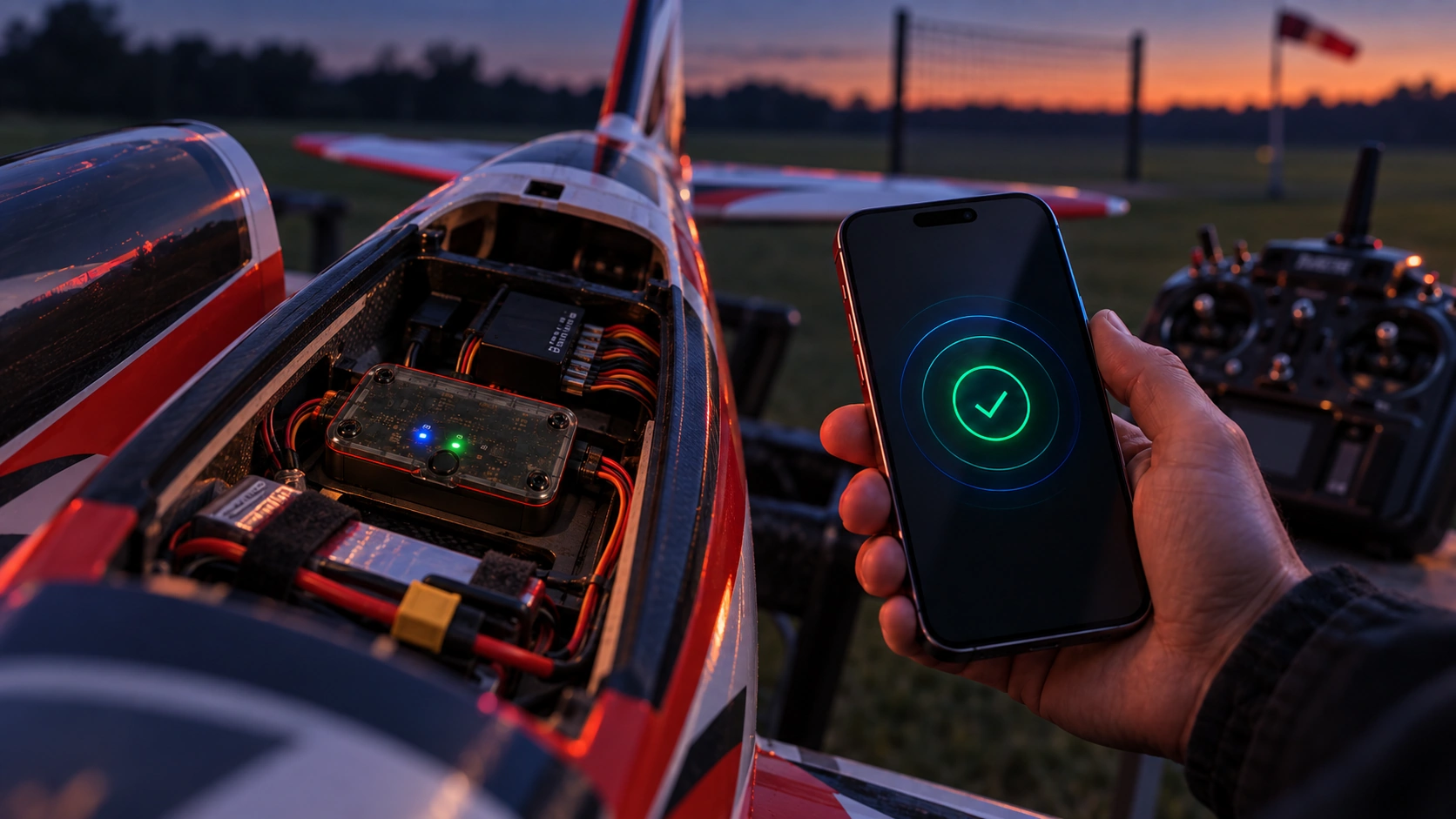
Sync saved recordings over Bluetooth.
Product concept visuals. Final hardware and installation may vary.
A NOTE FROM THE FOUNDER
“What can we help a pilot understand about their aircraft beyond the receiver readings? That question is at the heart of AEROQON. I’m building Pulse One and Flight Intelligence together to bring onboard measurements, reviewable events, and the pilot’s own observations into one place.”
Pulse One and the app are in development. The app screens are genuine development captures; the hardware images are product concepts. We’re recruiting pilots to help shape the experience through feedback.
THE FLIGHT IS JUST THE BEGINNING
Pulse One captures onboard measurements while you focus on flying.
Connect to Pulse One over Bluetooth and import your saved recording into the app.
Explore measurements, review moments, and add what you noticed from the ground.
Try an after-landing noteTHE NEXT CHAPTER OF YOUR FLYING
We’re recruiting RC pilots interested in testing Pulse One and the AEROQON app. You can also follow development without volunteering to test.
Register your interest.
Testing opportunities and development updates.
If the signup form doesn’t appear, reload with JavaScript enabled or contact info@aeroqon.com for help.
YOUR AEROQON REGISTRATION
Open the AEROQON confirmation email and follow the link to finish joining.
Or open your usual email app. Choose the account for the address above.
Allow a few minutes, then check Spam or Promotions for an email from AEROQON at info@aeroqon.com. Check the address above for a typo.
Still need help? Contact info@aeroqon.com. Please don’t send passwords or confirmation links.
Already confirmed your subscription? You’re all set—no need to register again. To update existing testing details, contact info@aeroqon.com.
Registration is free. It is not an order, hardware reservation, or guaranteed testing place. You can also register for updates without volunteering to test.
A FEW THINGS TO KNOW
Get to know Pulse One, the app, and what comes next.
Pulse One is an onboard flight data recorder being developed for RC aircraft. It records measurements during a flight so you can review what happened after landing, alongside your own observations from the ground.
Together with the AEROQON app, it is designed to bring receiver power, vibration, motion, temperature, and notable moments into one view. The aim is to help you understand your aircraft over time, with context that is difficult to judge by sight or feel alone.
The intended workflow is simple: record on board, land, then connect to Pulse One over Bluetooth to import the saved recording into the app. You can start with an overview and explore the timeline to look more closely at a measurement or moment.
You can also add your own observations to a recording. That keeps what you noticed while flying alongside the recorded data, while keeping pilot labels distinct from measured evidence. The screens shown here are development previews; the final experience may change before release.
AEROQON Flight Intelligence is our own analysis system for Pulse One recordings. It surfaces measured changes and suggested patterns with event timing, supporting measurements, and explanations. You can investigate receiver voltage dips, changes in vibration and motion, and temperature trends along the recording timeline.
That context can guide a closer inspection or help you compare how an aircraft behaves across recordings. A measured change or suggested event is something to review; it does not, by itself, identify a fault or explain its cause.
Pulse One and the AEROQON app are still in development. Orders are not open, and a launch date and price have not yet been announced. Hardware visuals on this page are product concepts, and final hardware may differ.
The waitlist is the place to hear about development progress and early access when details are ready. Release information, pricing, and what is included will be shared before you need to make a purchase decision.
The previews on this page show the iOS app on an iPhone. Supported iPhone models, minimum iOS version, and any plans for other platforms will be confirmed before release.
Aircraft compatibility, installation requirements, mounting guidance, and electrical connections are also being finalized. We are not yet publishing a universal compatibility claim. Have a particular aircraft or setup in mind? Ask about your setup before deciding whether to join.
Flight Intelligence helps surface recorded changes and moments that deserve a closer look. It uses AEROQON’s analysis logic to turn supported measurements into reviewable events, with explanations and evidence. Measurements, inferred patterns, and labels added by the pilot are kept distinct so you can understand what each result is based on.
A suggestion is not a confirmed maneuver, fault diagnosis, or guarantee of airworthiness. Review it against the available data and your knowledge of the flight. Pulse One supports your post-flight understanding; normal aircraft checks, maintenance, and pilot judgment remain essential.
Choose testing interest or development updates, enter your email address, and agree to receive AEROQON emails. We will send a confirmation link; your subscription is confirmed only after you click it. If the email does not arrive, check your spam or promotions folder.
Once confirmed, you can receive development news, early access announcements, and follow-up about any testing interest you submit. Optional setup details help us identify relevant opportunities; you can register without supplying them. Every update provides an unsubscribe link. For questions about your subscription or a request to delete waitlist data, contact info@aeroqon.com. You can read more in our privacy notice.
Yes. We are recruiting RC pilots interested in testing. Choose Help test in the registration form, enter your email, and add optional details about your aircraft, radio ecosystem, and phone. Confirm your email to complete registration.
Testing opportunities may involve software, hardware, or both. An expression of interest is not an immediate download or a promise of hardware. Each invitation will explain compatibility, access, the feedback requested, and hardware arrangements or costs before you commit. Choose Keep me updated if you only want development news.
No. Joining the waitlist is free and does not place an order, reserve hardware, or require payment. It also does not create an AEROQON app account.
It gives you a way to follow development and hear about early access. For each testing invitation, we will explain availability, eligibility, expected feedback, and hardware arrangements or costs before you commit. We are recruiting expressions of interest in testing. Registration does not guarantee a particular place, delivery date, or access to a test program; we will share the participation details before you decide.